

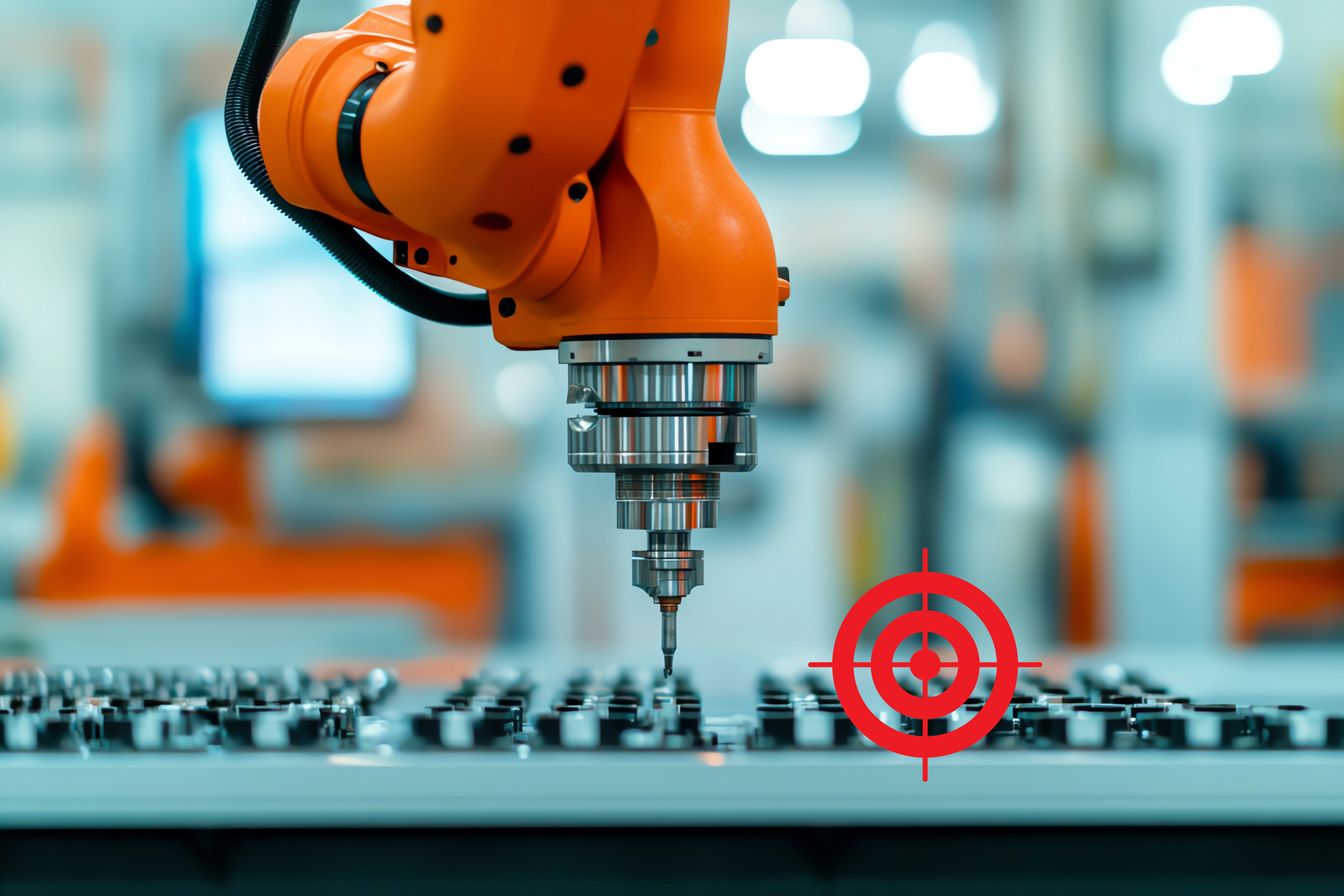
In robotics, tool calibration is an essential process to accurately define the position and orientation of a robot’s tool (also known as the end-effector) in relation to its last joint, or flange. When a robot is manufactured, the controller is only aware of the position and orientation of its last joint, but not any tool that might later be attached. Once a tool is mounted, the controller needs calibration data to understand the tool’s functional location in 3D space. The process to obtain these data is known as tool calibration.
It is important to clarify that the calibration data only define the geometry of a ‘tool centre’, for matching target positions in robotic operations. This is different to the full 3D geometry data of the tool, which is often useful for collision detection – we’ll explore more on this in future articles.
Step 1 – Tool Frame Definition
The calibration process starts with conveniently selecting a tool centre point (TCP) at the working point of the tool, such as the tip of a weld gun or the close point of a gripper.

A 3D Cartesian coordinate system is assigned to the TCP, where the TCP serves as the origin. This is the Tool coordinate frame, or simply Tool frame. Generally, the Z-axis or X-axis of this frame aligns with the tool’s approach direction, often referred to as the Tool axis (or Tool direction). If a second tool axis is needed, it is assigned perpendicular to the approach direction (e.g. the X- or Y- axis).
A complete tool calibration defines both the tool position and orientation, though in some applications only the position needs to be specified. For example, if a robot uses a suction cup to pick up lightweight objects like ping pong balls, it can approach its targets from any direction. In this case, the Tool coordinate frame can be set parallel to the flange frame requiring only TCP calibration.

Most robot controllers use six parameters to define a tool mathematically: three for the TCP position (x, y, z) and three for tool frame orientation (i, j, k). With known tool measurements, learned users can directly enter the (x, y, z, i, j, k) values into the controller. When the tool orientation is insignificant, values can be set as (x, y, z, 0, 0, 0). However, when direct input isn’t feasible, controllers typically allow users to perform tool calibration, as outlined in Steps 2 and 3 below.
Step 2 – TCP Calibration
Once a tool is mounted, calibrating its TCP involves typically the 3-Point or 4-Point Method, commonly offered by most robot manufacturers. This requires a physical datum point where the tool can conveniently reach. Move the TCP to touch the datum at least three times and each time approach from a different direction. The three directions must be distinct and differ sufficiently from each other.

This operation gives the controller multiple sets of robot joint positions for the same point in 3D Cartesian space. These data allow the controller to calculate and set the TCP position automatically. The process requires careful operation as it can fail if inaccuracies are introduced, for example, a corrupted data point.
Step 3 – Tool Orientation Calibration
With a defined TCP and user selected Tool coordinate frame, tool orientation calibration can be performed. In this step, move the robot’s tool tip to touch two or three points in the Tool coordinate frame. These points should be positioned along one axis and another axis or on a plane, to define the uniqueness of a Tool frame. For example, on the negative X-axis and the XY plane.

The controller calculates tool orientation based on these reference points and the known TCP. Any inaccuracy in the TCP will carry over to the orientation calibration, which is why careful operation is crucial. To reduce potential error, strategically placed TCP and tool axes can help enhance accuracy. We’ll cover the topic of advanced calibration techniques, including automatic TCP calibration, in upcoming articles.
Conclusion
Tool calibration provides essential information for the robot’s working point, enabling accurate positioning and orientation of the tool in 3D space. This process is critical for achieving consistent and precise end-effector movements in applications where accuracy is important. With well-calibrated tools, robots can perform with greater precision, efficiency, and safety, which improves the quality and reliability of robotic automation.
You must be logged in to post a comment.