

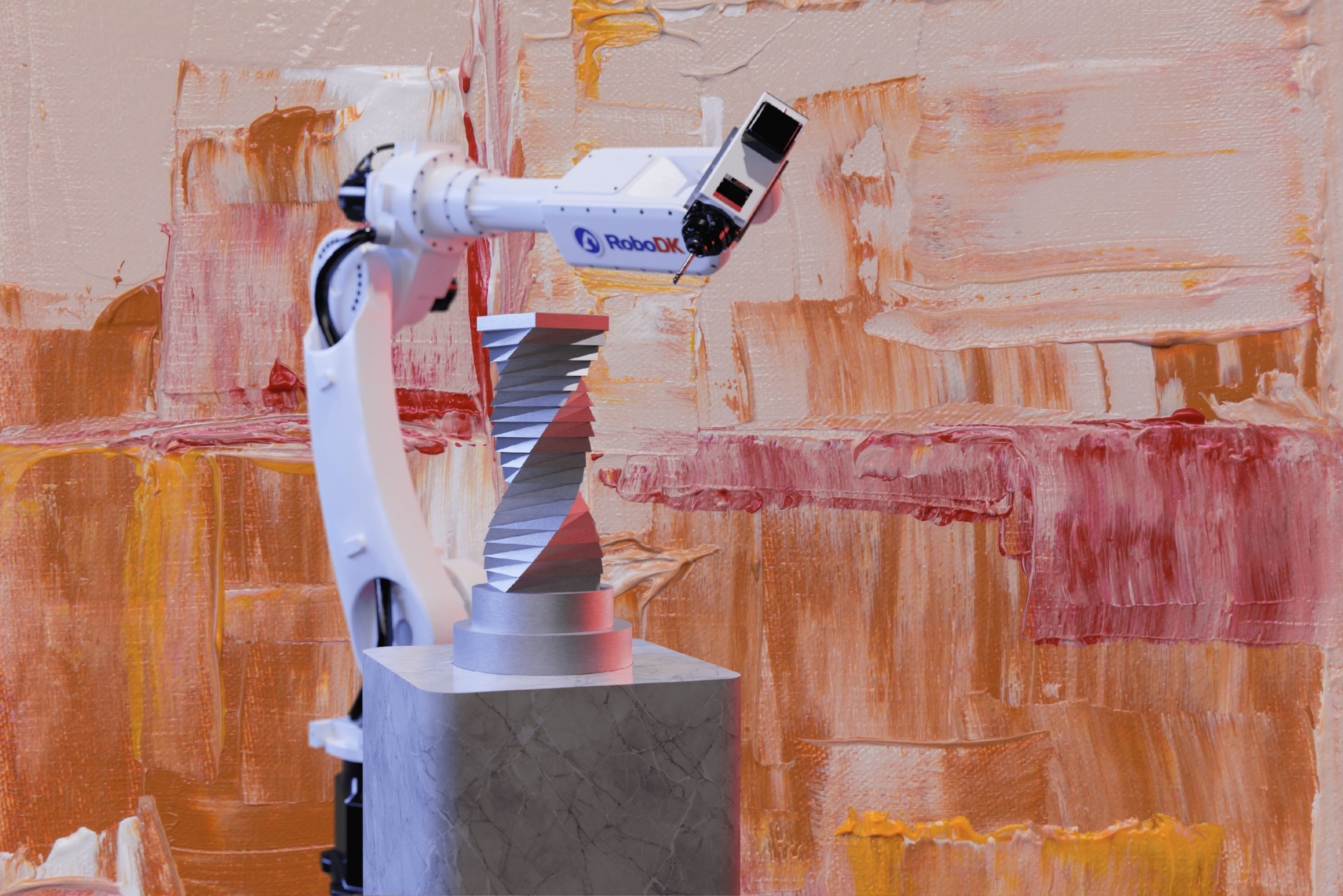
In April this year, RoboDK CAM was officially launched. Now as part of the RoboDK v6.0 update, it is a powerful tool for robotic manufacturing. The module simplifies robotic programming for material removal (subtractive) applications. While Computer-Aided Manufacturing (CAM) software has evolved alongside CNC machines for decades in a highly competitive market, RoboDK CAM offers a unique niche for generating machining toolpaths together with robotic trajectories at a comparatively affordable price point.
In this article, we take a closer look at the new CAM module and explore how its machining strategies can improve robotic manufacturing workflows.
Introducing RoboDK CAM
RoboDK CAM bridges the gap between robotic programming and advanced machining by integrating built-in CAM features directly into the RoboDK environment. Available as a paid add-in for Professional license users, the module is designed to unlock the full potential of robotic machining applications. It enables complex 3- to 5-axis subtractive processes, including milling, drilling, trimming, deburring, and turning, without leaving the native RoboDK interface.
The Evolving RoboDK Workflow
As outlined in our previous article on RoboDK workflows, users can import CAD/CAM data through one of two methods:
- Direct machine code or CAD model imports
- Dedicated CAD/CAM plugins
These plugins connect with popular third-party CAD/CAM packages, enabling seamless transfer of geometric entities and toolpaths into RoboDK.
With the introduction of RoboDK CAM, users can now generate machining strategies inside RoboDK itself, removing the dependency on external CAM software for many applications. Importantly, RoboDK continues to support and maintain its existing CAD/CAM plugin ecosystem, which remains free of charge for Professional users. This offers flexibility for manufacturers who rely on established CAM workflows while also opening the door to a more integrated solution.
Understanding RoboDK CAM Strategies
Users familiar with conventional CNC machining will recognise many of the machining strategies available in RoboDK CAM. The module incorporates industry-standard toolpath generation methods ranging from roughing and clearing operations to fine finishing.

For newcomers to CAM, selecting the right strategy can initially feel overwhelming. The following guide provides a practical starting point based on geometry type and application requirements.
1. What is the Geometric Input?
- Parametric CAD Surfaces (STEP or IGES files)
Use Surface strategies when working with solid or parametric CAD models. These strategies are ideal for precision machining applications where surface continuity and smooth finishing are critical. - Triangle Meshes (STL files or 3D scan data)
Use Trimesh strategies for mesh-based geometries such as scanned parts, molds, or organically shaped components. These strategies are optimised for working directly with triangulated surfaces. - Wireframe Geometry (No surface data, curves/lines only)
Use Wireframe strategy when the machining process is driven primarily by contours, curves, or edge paths rather than surfaces.
2. Match the Strategy to the Application
- Drilling, Deburring, and Contouring
These workflows are intuitive within RoboDK CAM. Simply select the relevant geometry, define parameters, and follow the project setup processes. - Pocket Machining
For efficient material removal inside cavities or recessed regions, use Multiaxis machining strategies. These operations help maintain optimal tool orientation while improving reachability in confined areas. - Complex/Organic Surfaces
For freeform geometries and highly curved surfaces, the Geodesic strategy provides smooth, constant-stepover toolpaths that maintain consistent tool engagement across the part. Refer to this article for more details.
Looking Ahead: Additive Manufacturing
One particularly interesting detail in the new CAM interface is the inclusion of settings related to additive processes. While not yet fully implemented, these options suggest that additive manufacturing capabilities, such as 3D printing or cladding, are already part of RoboDK’s development roadmap. This is an exciting feature we will be watching closely.
Conclusion
The launch of RoboDK CAM marks an important milestone for robotic manufacturing in 2026. By consolidating machining toolpath generation, simulation, and robot kinematics into a single platform, RoboDK significantly simplifies robotic machining workflows. Perhaps most importantly, RoboDK CAM lowers the barrier to entry for robotic milling, trimming, and turning applications. Manufacturers no longer need to invest in separate CAM systems and robot programming environments to deploy robotic machining projects effectively.
You must be logged in to post a comment.